

LedgerLane LedgerLane

Bank feeds & reconciliation

How bank feeds change the weekly routine.The ledger only moves when the money does.

Bank feeds and bank reconciliation are sold as one feature and they are two different things. One is a pipe. The other is a habit. Understanding the split tells you how much manual matching you will still be doing each week — which is the real question behind every buying decision.

Feed activity — last 7 days

Imported 06:00 SGT
  • Mon Customer payment — matched to invoice 2241 SGD 4,200
  • Tue Supplier bill settled — monthly courier account SGD 380
  • Wed Bank fee — suggested category, awaiting confirm SGD 12
  • Thu Card payment — suspended to suspense list SGD 1,140
Where `automated reconciliation` actually sits — a suggestion queue with a person on the confirm

Two things wearing one label

What a bank feed actually does

A bank feed pulls transaction data from your bank account into the accounting software on a schedule, usually daily. It does not categorise, it does not match, and it does not approve anything. It removes retyping — which sounds small until you count the hours.

Xero's Singapore pages support feeds for DBS, OCBC and UOB, and most major platforms cover the same institutions. If your bank is not supported, you are importing files manually, and that changes the workload considerably.

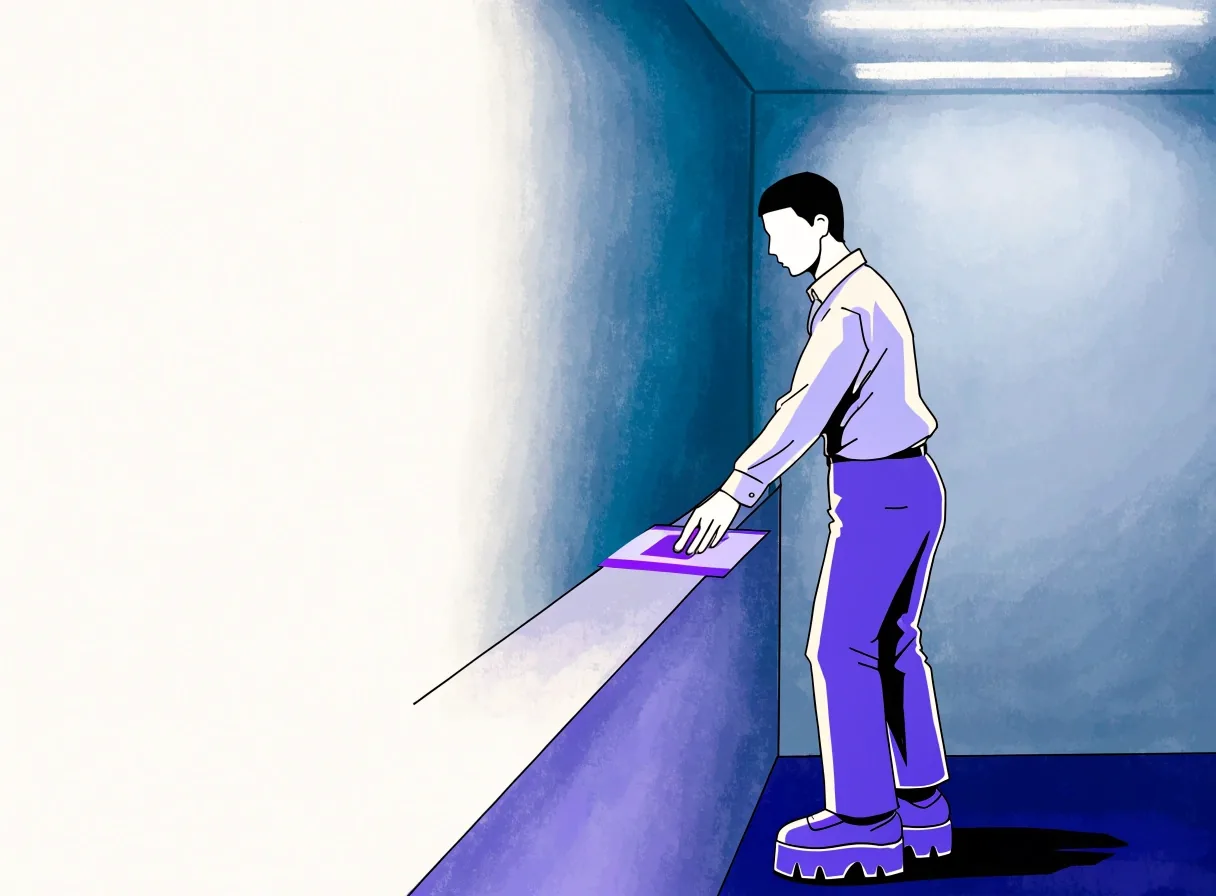
A ruled paper strip laid on a vinyl desk with one line running its length, an accountant's hand entering at the right
Step What the software does What you do
Pipe Imports yesterday's transactions from DBS, OCBC or UOB into a staging list. Nothing on your side, once connected.
Match Suggests invoice or bill against amount, date and reference. Confirm or reject each suggestion.
Judge Flags payments with three open invoices as ambiguous. Decide which invoice the payment clears.
Hold Keeps unclassified lines in a suspense list. Write a short note for anything unresolved.
Macro photograph of a paper edge crossed by a fine violet hairline on a cool surface

Where the judgement lives

Reconciliation is the judgement layer

Matching imported transactions against ledger entries is the work, and it is not mechanical. A payment of $4,200 from a customer with three open invoices is not a match, it is a decision. Good software suggests the match using amounts, dates and references, then asks you to confirm. Bad setups leave you scrolling a list.

Either way, the judgement belongs to a person — which is why automated reconciliation on a sales page should be read as assisted, not autonomous. That single word changes your staffing plan for week-one close.

What to compare between platforms

  • One Whether matches are suggested with an amount, date and reference — or whether you pick from a list.
  • Two How the software treats a payment that clears several invoices — split-match or a fresh manual entry.
  • Three What the suspense list looks like when a line cannot be classified on the day it lands.

Two sides of the same job

Accounts receivable and accounts payable sit on the same weekly habit

Accounts receivable

Knowing who is late

A receivables list built from live data tells you exactly which invoices are overdue and by how long. That is only reliable if the bank feed is current, because a payment that has landed but not been matched will show as outstanding.

Singapore owners who reconcile weekly get an accurate ageing report as a by-product. Those who reconcile at quarter-end get a report that has been wrong for weeks without anyone noticing.

  • Overdue list refreshes with every matched payment
  • Ageing buckets mean something once the feed is clean
  • Chasing a customer starts from a figure you trust

Accounts payable

The other half of the same job

The payable side is where cash leaves, and it is usually less controlled than the receivable side. Bills arrive by email, get approved verbally, and sit in someone's inbox. When bills are entered and matched against bank payments, you get a payment run you can plan rather than react to.

The connection to the feed matters: an unmatched outgoing payment in the bank is a bill you forgot to enter. That is the cheapest audit finding to fix — but only if the feed and the bill list are seen together.

  • Bills entered against the supplier they were owed to
  • Payment run scheduled, not improvised on the due date
  • Unmatched bank debits surface missing bills the same week

Local bank practice

What UOB support looks like in practice

If you bank with UOB, confirm the feed works for your specific account type before you commit to a platform. Business accounts and multi-currency accounts do not always behave the same way as standard ones.

Once connected, the routine is straightforward: transactions import daily, you match against invoices and bills, and anything unexplained stays in a suspense list. The value is that the suspense list stays short — a feed you trust turns reconciliation into ten minutes at the desk, not an afternoon.

Multi-currency accounts need separate handling

A USD account connected to an SGD ledger will import transactions at the bank's rate, which will not match the rate your invoice used. You need exchange differences recorded deliberately, not absorbed into the wrong account.

This is one of the more common errors in Singapore books, and it is invisible until someone reconciles the foreign currency account against the bank statement line by line. Plan the treatment before the first transaction, not after the first audit.

The weekly habit

A routine that survives a busy month

Reconcile on a fixed day, ideally weekly, and clear everything imported. Anything you cannot classify goes on a short open list with a note. That sequence takes about an hour when the weekly habit held, and most of a day when it did not.

  1. Monday · 30 minutes

    Clear the imported feed

    Every transaction that landed since Friday gets confirmed or held. Hold the ambiguous ones — a payment covering three invoices, or a card charge you cannot yet place — with a one-line note so next Monday you remember why.

  2. Monday · 10 minutes

    Read the overdue list against live data

    Because the feed is current, the ageing report on receivables is telling the truth. Chase the top two overdue invoices before the week fills up. This is the same list that reads as fiction if you reconcile at quarter-end.

  3. Monday · 10 minutes

    Match outgoing payments to bills

    Any outgoing bank line without a bill behind it is a bill you forgot to enter. Enter it now so next week's payment run is planned, not improvised on the due date.

  4. Month-end · 60 minutes

    Reconcile, review, then lock the period

    Reconcile the bank, review receivables and payables, check anything unusual for GST treatment, and lock the month. Because the weekly habit already did most of the work, the close is short — this is the hour you bought with the earlier thirty minutes.

When the feed breaks

Feeds drop. Banks change authentication, logins expire, credentials need refreshing. What matters is your fallback: a manual statement download in a supported format, imported into the same workflow.

Platforms that make manual import painful turn a two-day outage into a two-week backlog. Ask about this before you buy, because it will happen at least once. A five-minute CSV import is a hiccup; a five-hour re-entry session is a month you will not forget.